































Integrate Salesforce.
Simplify Everything.
DianApps’ Salesforce Integration Services connect your CRM data, applications, workflows, and customer channels through secure, scalable solutions customized to your unique processes, tech stack, and growth goals.
Our Technology Partners
Let's make Salesforce work better for you
Tell us what you’re looking to achieve, and we’ll help you identify the right Salesforce solutions to move your business forward.
Salesforce Integrations Across Your Stack
Our Salesforce integration services connect Salesforce with cloud and on-premises business systems through APIs, middleware, connectors, and custom integration methods. As a Salesforce integration company and CRM integration agency, we provide the top Salesforce integration services by selecting the approach around your data, workflows, security requirements, and synchronization needs.
ERP
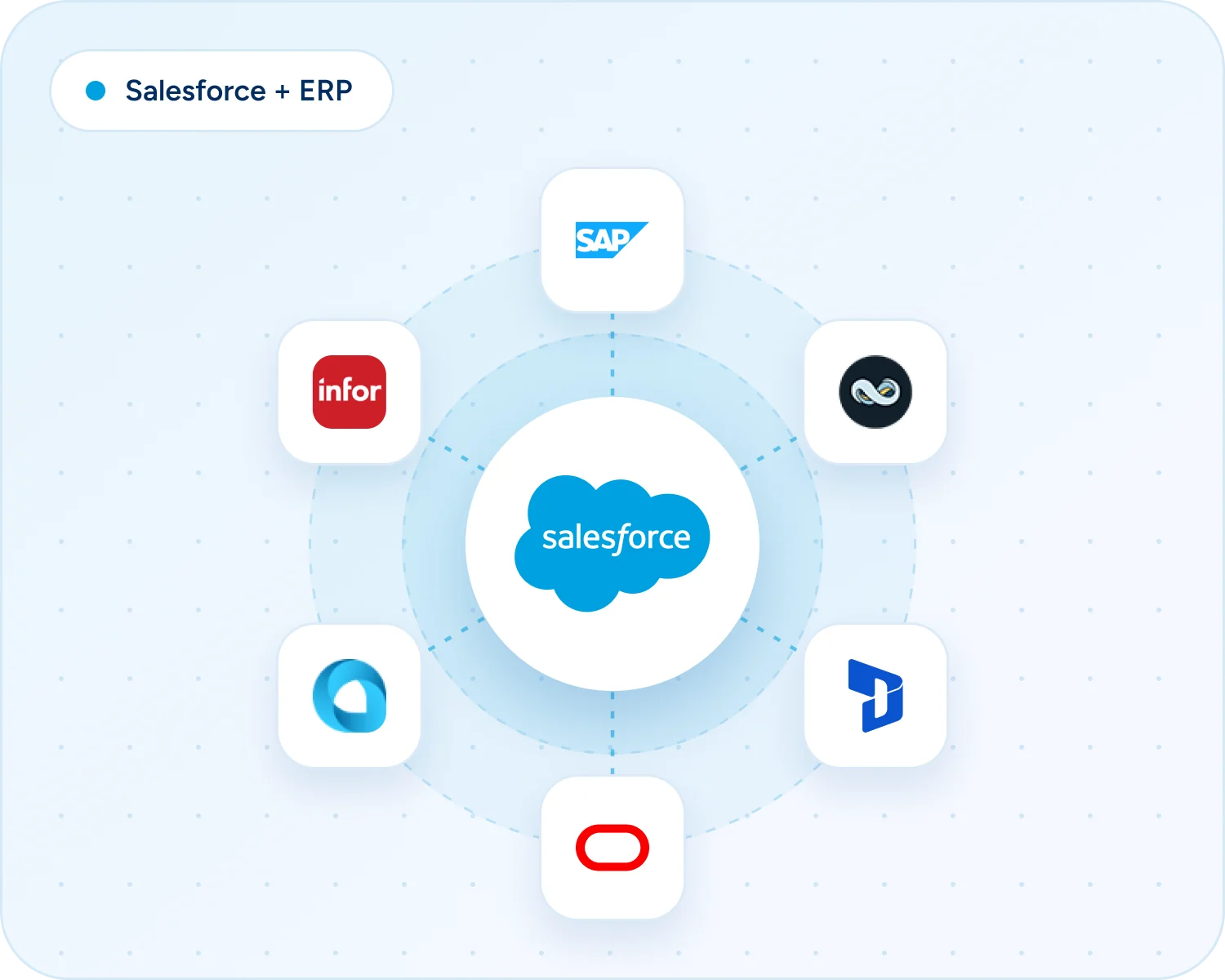
At DianApps, our Salesforce integration services connect Salesforce with ERP platforms handling finance, operations, inventory, orders, and enterprise data. Our Salesforce system integrators can move CRM and operational information between systems so teams have the context they need without maintaining duplicate records in separate places.
Accounting
We connect Salesforce with accounting platforms such as QuickBooks, Xero, and Sage Intacct to synchronize customer, invoice, payment, and financial records across connected systems.
Marketing Automation Tools
Marketing automation integrations bring Salesforce closer to platforms like Salesforce Marketing Cloud used for campaigns, leads, email marketing, segmentation, and customer engagement. With the right Salesforce integrations, marketing and sales teams can share customer information and coordinate activities from the first interaction through conversion and follow-up.
Ecommerce Platforms
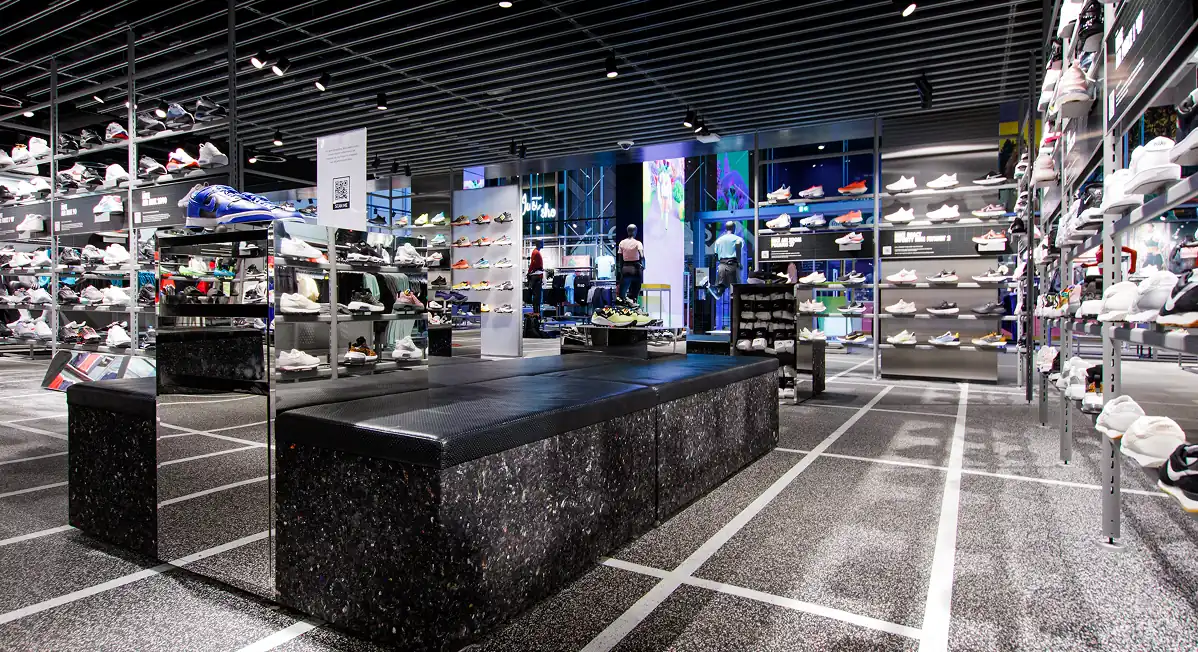
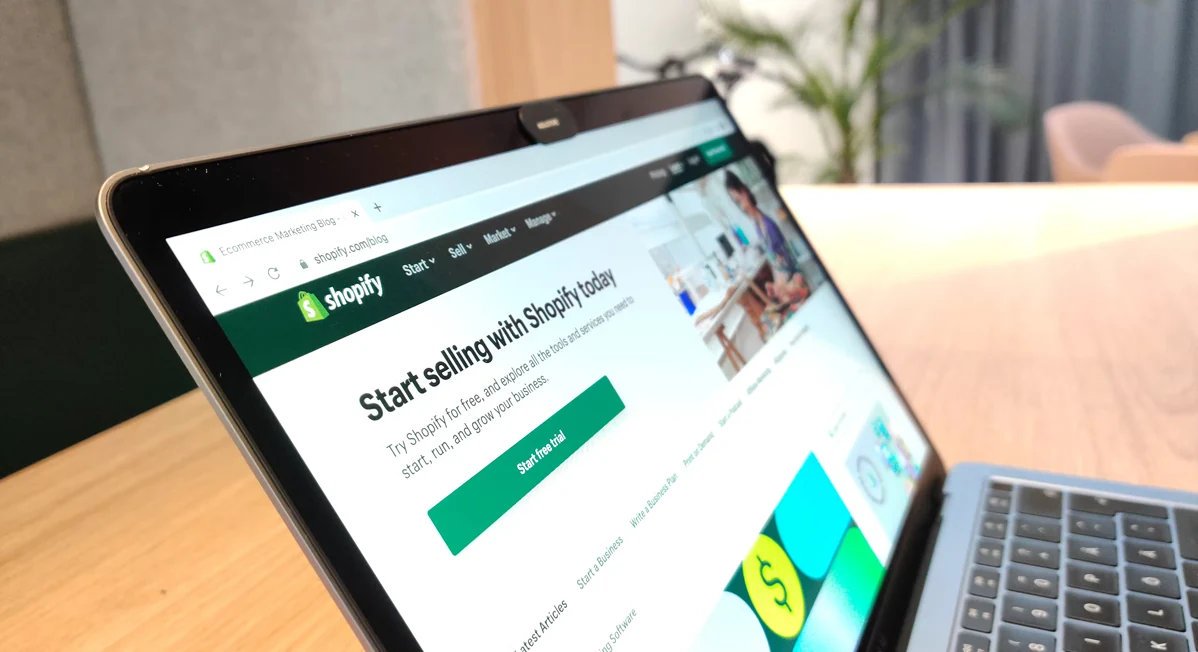
Ecommerce integrations connect Salesforce with platforms that manage customer, product, order, transaction, and related information. These Salesforce integration services give sales and service teams a clearer view of online activity while keeping commerce workflows connected to the CRM across channels.
Computer Telephony
Salesforce integration services for telephony connect calling platforms with CRM records, allowing sales and service teams to manage calls and customer interactions in one workflow. Call details and activity can move between systems, giving customer-facing teams a more complete history of conversations and follow-up.
Social Media
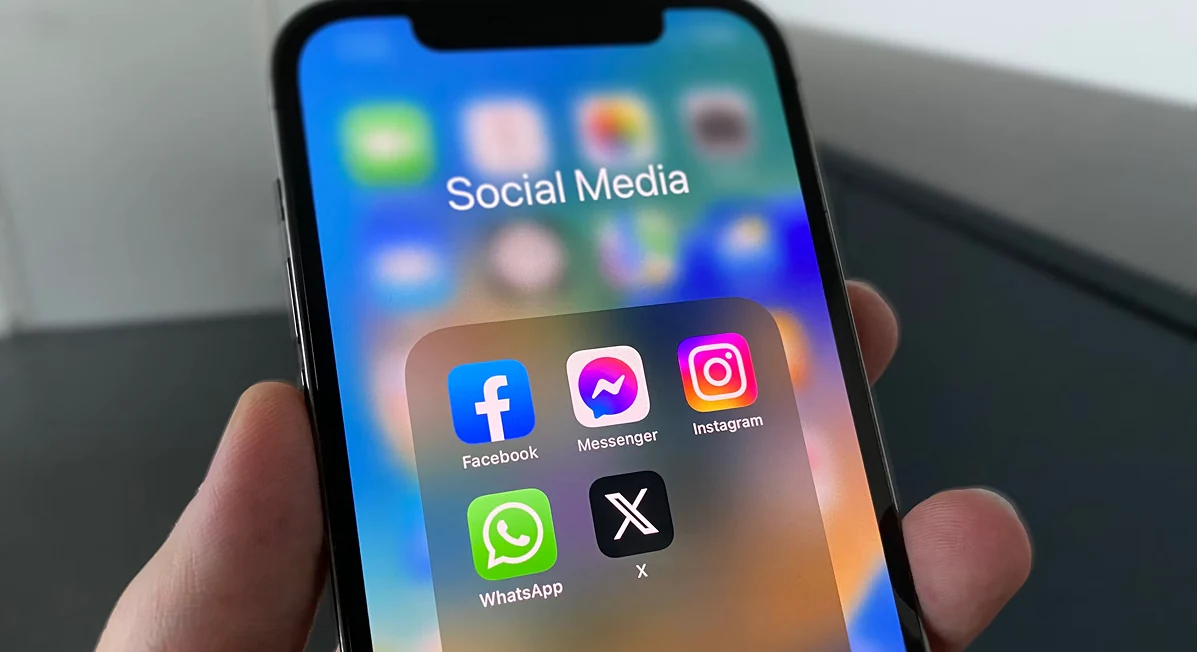
Social integrations bring relevant engagement activity into Salesforce workflows, allowing teams to use customer interactions alongside sales, service, and marketing records. This Salesforce integration service keeps activity from different channels connected to the wider CRM without forcing teams to manage each channel separately.
Collaboration Tools
DianApps connects Salesforce with platforms used for communication, documents, knowledge, and team coordination. CRM information becomes easier to share, while workflows can move between sales, service, operations, and other departments without depending on disconnected tools or repeated manual updates.
Email & Calendar
Email and calendar Salesforce integrations keep contacts, emails, meetings, tasks, and calendar activity aligned across applications. Sales and service teams get a clearer record of customer interactions while reducing repeated entry, making these CRM integration services useful across everyday workflows.
Project & IT Service Management Software
Project and IT service integrations connect Salesforce with platforms used for tickets, projects, tasks, service requests, and operational work. Teams can share customer and service information while keeping CRM activity tied to project and service management workflows across operations.
Payments
Payment integrations bring transactions, customers, invoices, and payment status into connected Salesforce workflows. These Salesforce integration services give CRM teams clearer transaction visibility, while finance-related information can move between systems without relying on repeated manual updates or disconnected processes. This is useful for Salesforce third-party integration projects.
Analytics & BI
Salesforce integration services can connect CRM data with analytics and BI platforms to build broader views of sales, customers, operations, and business performance. Information can feed existing reporting environments, giving teams more context for analysis, planning, and everyday business decisions.
Data Integration / Middleware
Middleware provides a connection layer between Salesforce and multiple business applications. It can support data movement, transformation, orchestration, authentication, and synchronization when direct connections become harder to manage across a growing technology environment and multiple Salesforce integrations.
AI
AI integrations connect Salesforce with capabilities that use customer and business data for automation, insights, and AI-driven workflows. These Salesforce integration solutions make CRM information available where AI needs access to customer context, business rules, and connected processes. This also supports broader Salesforce cloud integration services.
Connect Salesforce. Simplify Your Workflows.
From CRM and ERP to marketing, payments, and custom applications, connect the systems your teams use every day through scalable Salesforce integrations.
Salesforce Integration Services & Capabilities
Our Salesforce integration services cover the connection lifecycle, from requirements discovery and architecture through development, testing, deployment, and ongoing support. Our Salesforce integration consultants work across CRM, enterprise applications, customer platforms, data systems, and automation workflows to build a practical Salesforce integration solution.
Salesforce CRM Integrations
We connect Salesforce with ERPs, legacy databases, payment systems, and third-party applications through REST/SOAP APIs, MuleSoft, Salesforce Connect, and event-driven patterns. Our Salesforce CRM development services account for data volume, latency and security from the start.
API Integration Solutions
We build secure connections using REST, SOAP, Bulk APIs, webhooks, and interfaces selected around data volume, latency, direction, authentication, and system requirements. The result is a Salesforce integration solution designed for the actual systems involved.
Data Migration and Synchronization
We move, map, transform, validate, and synchronize data while accounting for record relationships, duplicates, data quality, ownership, and update timing across connected systems.
Marketing Tool Integration
Our salesforce CRM integration services connect marketing platforms with Salesforce to align leads, campaigns, customer information, engagement data, and sales workflows across the customer journey. This supports Salesforce CRM integrations without forcing teams into disconnected marketing and sales processes.
Custom Workflow Automation
We use Salesforce Flow, Apex, platform events, and Salesforce customization services to automate actions that depend on information moving across applications and business workflows.
Ecommerce and Payment Gateway Integrations
Our Salesforce integration services connect storefronts and payment platforms with Salesforce so customer, order, transaction, and service information can support connected business workflows.
AI and Analytics Integration
We connect Salesforce with analytics and AI capabilities such as Tableau, Einstein, Data Cloud, and Agentforce when customer data and business workflows need to work together.
Ongoing Support and Maintenance
Our Salesforce managed services consultants monitor integrations, troubleshoot failures, review data synchronization, support platform changes, and improve workflows as connected systems evolve. This ongoing Salesforce managed services integration approach helps keep business-critical connections reliable.
Recognized. Respected. Trusted.
Recognized for the work we do, the value we create, and the standards we set.
Choosing the Right Salesforce Integration Approach
There is no single Salesforce integration solution that fits every architecture. Our Salesforce consulting services select the connection method around system capabilities, data volume, transaction frequency, security, maintainability, and the business process involved using Salesforce integration tools where they fit and custom development where they do not.
Native APIs (REST, SOAP, Bulk)
We use Salesforce native APIs when systems can communicate directly and the requirements are clear. REST and SOAP support application connectivity, while Bulk API suits larger data volumes and asynchronous data movement where reliable processing matters.
Point-to-point connections, direct application connectivity, and real-time or scheduled data synchronization.
Middleware / iPaaS (MuleSoft, Zapier, Workato)
Middleware connects Salesforce with multiple applications through an integration layer. It can orchestrate data flows, transform payloads, apply business rules, and make complex Salesforce integrations easier to manage as the technology environment grows. It is especially useful for Salesforce cloud integration services.
Multi-system environments, reusable workflows, transformation, orchestration, and centralized integration management.
AppExchange Connectors
Prebuilt connectors can be useful when an established option supports the required application and data flow. We review capabilities, authentication, synchronization rules, and limits before adding a connector to the integration architecture for production use. This can also operate as a focused CRM integration service.
Common SaaS applications where an established connector can meet requirements without unnecessary custom development.
Custom Apex
We use Apex when configuration, APIs, or connectors cannot support the required logic. Custom Apex gives Salesforce-specific processes more control, with bulk processing, governor limits, error handling, and maintainability considered from the start.
Salesforce-specific business logic, specialized integrations, and requirements that need tighter control inside the platform.
How We Go From Strategy to Salesforce Integration
Our Salesforce integration consulting process starts with the business problem and moves through architecture, development, validation, launch, and support. Each stage clarifies what connects, how data moves, and what the team needs before a production release, whether the project requires CRM integration and implementation services or a focused connection.
- Business Analysis
- Plan
- Build
- Connect
- Test
- Launch
- Support & Optimize
Business Analysis
We review business processes, users, systems, data sources, integration requirements, and the problems the connection needs to solve before defining the integration scope. We support Salesforce integration services India, USA and other countries requirements as well.
Plan
We define integration scope, data flows, system ownership, authentication, implementation approach, dependencies, timelines, and release requirements.
Build
We develop APIs, middleware workflows, connectors, or custom Salesforce logic and configure the integration around the agreed architecture and business requirements.
Connect
We connect the selected systems, configure synchronization rules, validate payloads and business workflows, and address integration-specific issues before release. The architecture should keep integrations with Salesforce consistent.
Test
We test data movement, error handling, permissions, automation, performance, and expected business outcomes in controlled environments before production deployment. The selected Salesforce integration tool should fit the data flow.
Launch
We move the validated integration into production through a controlled release process and monitor data flows, connected workflows, and early operational issues.
Support & Optimize
We help teams understand the workflow, address user-impacting issues, monitor integrations, and make enhancements as requirements change after launch.
DianApps Salesforce Certifications | 72 Salesforce Certified Experts
We bring certified Salesforce expertise across platform administration, architecture, development, industry clouds, data, AI, marketing, and customer experience, helping you design and scale Salesforce solutions with confidence.
What Better
Connecting Salesforce with the wider technology environment can reduce disconnected workflows and give teams more complete, timely information. The value depends on the systems involved and how the integration is designed, but common benefits include a more connected Salesforce CRM integration and smoother movement of business data. Well-designed Salesforce CRM integrations keep those workflows aligned.
Automated Workflows
Automate handoffs, updates, notifications, and repeatable business processes by connecting Salesforce with the applications teams already use.
Improved Data Accuracy
Reduce duplicate entry and keep relevant records synchronized across connected systems, giving teams more consistent information to work from.
Better Decisions
Bring operational and customer data together for more complete reporting, analytics, and decision-making across teams and business functions.
Increased Employee Productivity
Reduce repetitive work and application switching by making relevant information and actions available through connected workflows and CRM processes.
Salesforce Integration
Challenges
Salesforce integration can become difficult when systems use different data structures, synchronization rules, authentication methods, or update cycles. Our Salesforce integration experts address these issues during architecture and testing, with the same care expected from experienced Salesforce integrators, before production.
Different Data Structures
Connected systems may represent customers, products, accounts, or transactions using different structures and field definitions.
Solution: Define field mappings, transformations, validation rules, and data ownership before development begins.
Duplicate or Inconsistent Data
Multiple systems can create conflicting, outdated, or duplicate records when ownership and matching rules are unclear.
Solution: Establish matching rules, deduplication logic, synchronization ownership, and reconciliation checks across connected systems.
Real-Time vs. Batch Requirements
Not every integration needs continuous synchronization, while some workflows cannot tolerate long delays between systems. This keeps related Salesforce integrations easier to govern.
Solution: Select synchronous, asynchronous, event-driven, or scheduled patterns according to business requirements and data urgency.
API Limits and Platform Constraints
High-volume integrations can run into API consumption limits or Salesforce governor limits during processing.
Solution: Use bulk processing, efficient queries, asynchronous patterns, and appropriate middleware where higher volumes require it.
Authentication and Security
Integrations exchange data across systems with different access controls, credentials, and security requirements.
Solution: Use appropriate credentials, OAuth, permissions, encryption, and least-privilege access based on the architecture.
Integration Failures and Monitoring
A connected system can fail, timeout, reject a payload, or change its interface without notice.
Solution: Implement error handling, logging, monitoring, retry strategies, and operational support processes for connected systems.
Make Salesforce Work Harder for Your Business
Connect Salesforce with the tools, platforms, and workflows your business already relies on, with integrations built around your data and processes.If Salesforce is difficult to use, automate, or connect with your other systems, we can help.
We configure Sales Cloud around lead, account, contact, opportunity, activity, and pipeline processes. Custom objects, Apex, Flow, integrations, and analytics can extend the standard sales model when complex revenue workflows require more than out-of-the-box functionality.
We build service environments around case management, customer context, knowledge, routing, automation, and agent workflows. Our salesforce app development company connects Service Cloud with external systems while keeping service teams inside a consistent CRM experience.
Our salesforce application development company supports campaign, journey, segmentation, and automation capabilities, connecting relevant customer data and business processes to create coordinated marketing experiences.
We develop customer, partner and employee portals using Experience Cloud, Salesforce data, custom components, authentication and workflow automation. Salesforce development companies can customize experiences to self-service, collaboration and role-specific access.
We implement and integrate digital commerce capabilities around storefronts, products, customers, orders, and fulfillment. Salesforce application development services connect more commerce experiences with surrounding business systems.
We support complex revenue processes involving product configuration, pricing, quoting, contracts, and revenue workflows. A salesforce customization company adds logic and integrations where standard processes need to reflect commercial models.
We integrate Salesforce AI capabilities, including Agentforce, Einstein, Prompt Builder, Model Builder, and Data Cloud, with enterprise applications and trusted business data. Our integration approach connects AI-driven workflows with the systems, APIs, knowledge sources, and operational processes required to produce useful business outcomes.
We configure Health Cloud for healthcare workflows involving patient and provider information, care coordination, and engagement. A Salesforce service provider in the USA addresses security and data handling throughout the architecture.
We use Financial Services Cloud for banking, lending, wealth, and insurance workflows where Salesforce fits business needs. We also work as a Salesforce development partner when custom capabilities are needed.
We connect and harmonize data to support unified profiles and downstream analytics, automation, and AI use cases. Salesforce development partners can extend this foundation.
We connect Salesforce data with analytics capabilities to help teams build operational dashboards and decision-support views for salesforce crm development.
We use Slack and the Salesforce Platform where collaboration, workflow execution, and custom platform capabilities work together, supported by full-cycle software development services
Salesforce Products and Platforms We Integrate
Our Salesforce integration services connect Salesforce products with the applications, platforms, data sources, and business systems your teams already use. We integrate CRM, ERP, marketing, commerce, customer service, analytics, collaboration, and AI environments using APIs, middleware, event-driven architecture, and Salesforce-native capabilities to create reliable data flows and connected workflows.
Sales Cloud
We integrate Slack with Salesforce and surrounding business applications to connect collaboration with CRM workflows. Teams can receive Salesforce updates, trigger actions, share relevant records, and automate workflow steps while custom Salesforce Platform integrations extend these capabilities across enterprise systems.
Salesforce Integration Across Industries
Salesforce integration needs vary by industry, but the goal remains the same: connect critical systems, streamline data movement, and create workflows that support everyday business operations.
HEALTHCARE
Electronic health records, laboratory systems, hospital management software, and patient portals can exchange relevant information with Salesforce. This creates a more consistent flow of patient data, appointment details, and service requests across healthcare teams.
FOOD DELIVERY
Order management software, restaurant POS systems, payment gateways, and delivery tracking applications can work alongside Salesforce to keep order information updated. Teams gain better visibility into customer complaints, delivery delays, restaurant coordination, and refund requests.
RETAIL
Salesforce integration with POS terminals, inventory management software, ERP platforms, and eCommerce stores helps retailers maintain consistent product and customer records. Stock updates, purchase histories, loyalty information, and order statuses become easier to manage across sales channels.
GAME APP
Player databases, in-game purchase systems, gaming analytics platforms, and community applications can feed relevant data into Salesforce. Support teams can access player histories, while marketing teams use engagement insights to manage campaigns, player retention, and personalized communication.
REAL ESTATE
Property portals, CRM platforms, accounting software, and document management systems can share information with Salesforce throughout the property lifecycle. Agents gain access to updated listings, lead details, transaction milestones, and client communications without switching between disconnected applications.
ECOMMERCE
Shopping platforms, payment processors, warehouse systems, and shipping applications can exchange transaction and customer data with Salesforce. From abandoned cart follow-ups to order fulfillment and returns, these integrations help maintain continuity across the entire online shopping journey.
TRAVEL
Reservation engines, airline systems, hotel property management software, and global distribution systems can supply booking and traveler information to Salesforce. Customer service teams can access itinerary changes, booking histories, and travel preferences while coordinating requests across multiple service providers.
E-LEARNING
Learning management systems, student information platforms, virtual classroom software, and payment applications can share enrollment and learner activity data with Salesforce. Institutions can track course registrations, monitor learner engagement, and coordinate student support without maintaining separate records manually.
SPORTS
Ticketing software, stadium access systems, merchandise stores, and event management platforms can feed fan activity into Salesforce. Sports organizations can maintain richer supporter profiles, track ticket purchases, manage membership renewals, and coordinate sponsorship activities using more consistent data.
FINTECH
Banking APIs, payment processing platforms, identity verification services, and financial data providers can supply information to Salesforce through controlled integration workflows. These connections support customer onboarding, account servicing, transaction inquiries, and financial relationship management while respecting applicable security requirements.
BUSINESS
ERP software, accounting applications, HR platforms, project management tools, and business intelligence systems can exchange operational data with Salesforce. Teams can reduce duplicate data entry, improve reporting consistency, and coordinate customer-facing activities with finance, delivery, and internal operations.
ON DEMAND
Booking engines, workforce scheduling tools, GPS tracking applications, payment gateways, and provider management systems can share real-time operational updates with Salesforce. Businesses can coordinate service assignments, monitor fulfillment progress, handle cancellations, and keep customers informed throughout each request.
MEDIA & OTT
Streaming platforms, subscriber billing systems, advertising servers, content management tools, and audience analytics applications can share relevant records with Salesforce. Media companies can manage subscription changes, advertising relationships, audience segments, and support requests using a more unified information flow.
SOCIAL MEDIA
Social listening platforms, publishing tools, advertising systems, and customer support applications can feed interaction data into Salesforce. Marketing and service teams can review campaign responses, track incoming complaints, understand audience engagement, and coordinate follow-ups across communication channels.
EV
Charging network platforms, vehicle telematics, dealer management software, and service applications can exchange relevant information with Salesforce. This helps electric mobility providers coordinate charging-related inquiries, monitor vehicle service histories, manage dealership relationships, and improve ownership support.
AUTOMOTIVE
Dealer management systems, vehicle inventory databases, connected car platforms, and warranty applications can share operational records with Salesforce. Sales and service teams gain better access to vehicle specifications, maintenance histories, dealership activity, and customer ownership information.
LOGISTICS
Transportation management systems, warehouse software, fleet tracking applications, and carrier platforms can supply shipment updates to Salesforce. Customer-facing teams can check delivery progress, investigate exceptions, coordinate with logistics partners, and respond to shipment inquiries using consistent information.
FITNESS
Gym management platforms, wearable fitness applications, class scheduling software, and membership billing systems can exchange relevant data with Salesforce. Fitness businesses can manage attendance records, membership renewals, class participation, and customer preferences while delivering more relevant member communications.
Salesforce Solutions That Deliver Real Business Results
See how we’ve used Salesforce to solve integration, modernization, and scalability challenges.
Sinch 2
The Challenge:
Multiple communication channels needed scalable, secure customer experiences and salesforce app development services.
The Solution
Integrated Salesforce with advanced APIs, improved the platform's scalability and security, and enhanced overall usability.
The Impact:
Sinch1
The Challenge:
Multiple communication channels needed scalable, secure customer experiences and salesforce app development services.
The Solution
Integrated Salesforce with advanced APIs, improved the platform's scalability and security, and enhanced overall usability.
The Impact:
Sinch
The Challenge:
Multiple communication channels needed scalable, secure customer experiences and salesforce app development services.
The Solution
Integrated Salesforce with advanced APIs, improved the platform's scalability and security, and enhanced overall usability.
The Impact:
Why Choose Us
Trusted by businesses worldwide to connect Salesforce with their enterprise systems through secure, scalable, and outcome-focused integration solutions.
Tech Stack Backing Our Salesforce Integration Services
We combine Salesforce integration capabilities with APIs, middleware, data platforms, cloud technologies, security frameworks, and DevOps tools to build reliable connections across enterprise systems. Our technology choices are based on integration architecture, data requirements, security needs, and the systems involved in each project.


What Our Clients Have to Say
DianApps has successfully launched the software and continues to make improvements. The team has delivered the project on time and has showcased flexibility throughout the engagement. Their responsiveness through virtual meetings, email, and messaging apps has impressed me a lot.
DianApps has designed and developed the app according to the our specifications. The team has delivered the project ahead of schedule and within budget. They communicate well through virtual meetings, emails, and a messaging app. Their ability to bring the my vision to life is impressive.
Thanks to DianApps' efforts, we're now closer to launching our product, aiming to deploy it by the end of the year. The team completed tasks on time and communicated clearly through virtual meetings. Their technical capabilities and flexibility have been crucial to the project's success.
The app is well-designed and user-friendly. DianApps maintained formal communication on a biweekly basis but made themselves available 24 hours a day. Their team met all the deadlines and immediately fixed any issues. They proactively informed the us of upcoming needs and steps.
We are pleased with the application; it’s easy to use and professional-looking. Moreover, we have developed a close relationship with DianApps. The team communicates seamlessly and adapts to meet the requirements. Overall, DianApps is responsive, reliable and attentive partners.
DianApps has delivered the application according to our requirements and ahead of schedule. Their solutions-driven nature and robust knowledge of the animal health sector have been hallmarks of this partnership. Despite the time difference, they’ve been responsive via WhatsApp.
DianApps successfully delivered a fully functional first version of the platform, including all core features. The platform is now stable, internally operational, and preparing for a public launch. The team communicated clearly, responded promptly, and delivered the work on time.
The completed deliverables have shown excellent quality and performance. DianApps consistently meets all project timelines. Overall, the team is understanding, prompt, and responsive. So far, I'm impressed with their overall performance.
Thanks to DianApps proven expertise, Thousand Greens is now functioning smoothly, including its core features. The team works thoroughly, ensuring each output is reviewed, tested, and delivered with the utmost quality.
DianApps for Committees is more like a partner than a development team that you just kind of use to build your MVP app. The team was cooperative and trustworthy, and did what they promised to implement on the Committees. They have been very impressive in their work.
I wasn’t satisfied with the support I received from my previous collaborators and so, I hired DianApps to design my app “Curu” from scratch. They helped me with quality, efficiency, attention to detail, and responsive app development while giving complete support to my app post its launch effortlessly.
I found DianApps by Googling the best React Native apps in India, and after the onboarding process with successful meetings, the team began with the app delivery and helped me launch VlogTalk within the promised time frame.
We have been working with DianApps for more than a year now to handle our entire technology development, and the team has amazingly delivered the work so far. I highly recommend DianApps as they are very genuine and easy to work with people I’ve ever met.
Salesforce Insights & Related Blogs

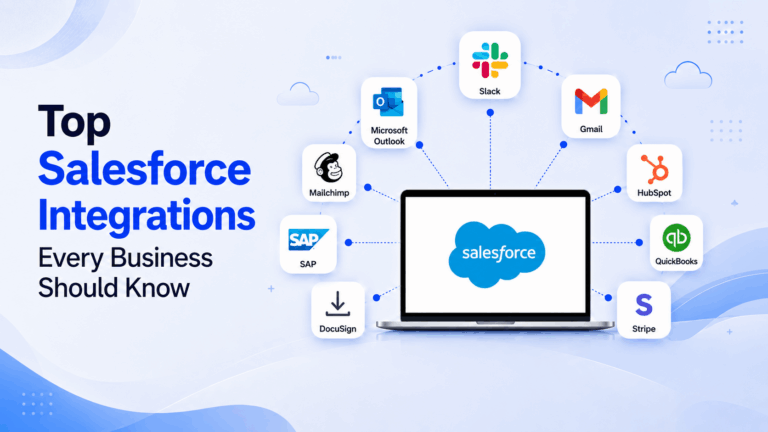
Top Salesforce Integrations Every Business Should Know
TL;DR Salesforce is most valuable when it works alongside the rest of your business applications. Integrating Salesforce with communication, marketing, finance, customer support, and analytics platforms eliminates manual work, improves…
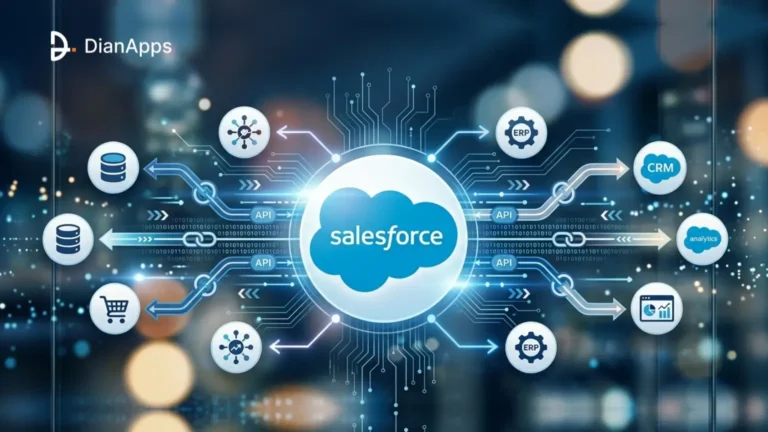
Top 5 Salesforce integration patterns every business should know
The top 5 Salesforce integration patterns explained plainly. Real-time API, batch, event-driven, ETL, and API-led, with tools, tradeoffs, and when each one fits.

How to Integrate Salesforce with Heroku: A Complete Guide for Scalable App Development
To remain competitive, businesses nowadays need more than simply a customer relationship management (CRM) system. Salesforce facilitates the management of client interactions, sales pipelines, and service operations; yet, in order…

Frequently Asked Questions
Here’s a list of FAQs that will help you learn more about DianApps.
Yes, Salesforce can connect with legacy systems through APIs, middleware, Salesforce Connect, event-driven patterns, or custom integration logic, depending on what the existing system supports. This is a common requirement for Salesforce CRM integration services and should account for data format, ownership, security, latency, and the condition of the interface.
Start by identifying the external application, required data flow, and business workflow. A Salesforce integration consultant can then review Salesforce integration tools, AppExchange connectors, native APIs, middleware, and existing capabilities before custom development is considered.
There is no single timeline for Salesforce integrations. A focused connection between two systems can take weeks, while multi-system projects, complex data synchronization, middleware orchestration, or legacy modernization can take several months. Scope, dependencies, data complexity, testing, security, and deployment requirements determine the schedule.
Yes, Salesforce can participate in multi-system architectures using APIs, middleware such as MuleSoft or other iPaaS platforms, event-driven patterns, connectors, and custom development. The architecture should define data ownership, synchronization rules, error handling, and monitoring as the number of connected systems increases.
Security depends on the integration architecture, systems involved, data being exchanged, and applicable requirements. Integrations can use controls such as OAuth, Named Credentials, permissions, encryption, secure APIs, and appropriate access policies. Compliance requirements should be addressed during architecture and implementation.
The process generally starts with business analysis and system assessment, followed by integration planning, architecture, development, system connection, testing, launch, and ongoing support. The exact sequence and depth of each stage depend on the number of systems and the complexity of the required data flows.
Integration can extend the information and workflows available through Salesforce by connecting customer, operational, marketing, financial, service, or other business data. The resulting improvement depends on data quality, integration design, workflow adoption, and the business processes being connected.
Common benefits include process automation, improved data consistency, better customer context, more connected reporting, reduced manual entry, increased employee productivity, and smoother collaboration across business functions.
The appropriate tool depends on the systems and data flows involved. Options can include Salesforce REST, SOAP, and Bulk APIs, Salesforce Connect, Platform Events, MuleSoft, and other middleware or iPaaS tools. Selection should consider volume, latency, transformation, monitoring, security, and maintainability.
Middleware options can include MuleSoft, Workato, Zapier, Jitterbit, and Boomi, among others. The appropriate choice depends on the number of systems, orchestration requirements, data transformation, existing technology environment, governance, and long-term integration strategy.
Salesforce can exchange customer and business data with other CRM systems through APIs, middleware, connectors, and custom integration logic. The architecture typically defines which system owns each data element, how records are matched, when updates are synchronized, and how conflicts or failures are handled.
Integration can give sales teams more complete customer and operational context by connecting Salesforce with marketing, ecommerce, finance, service, analytics, and other systems. The business impact depends on the quality of the connected data and how effectively the resulting workflows support the sales process.